S
ShadowOPVALORANT RENTAL
★★★★★
“First time renting a valo account. The QR login was pretty simple and the skins were exactly what I wanted.”
Unlock the ultimate gaming experience. Explore premium Valorant and BGMI accounts, rent for your next session, or make one yours.
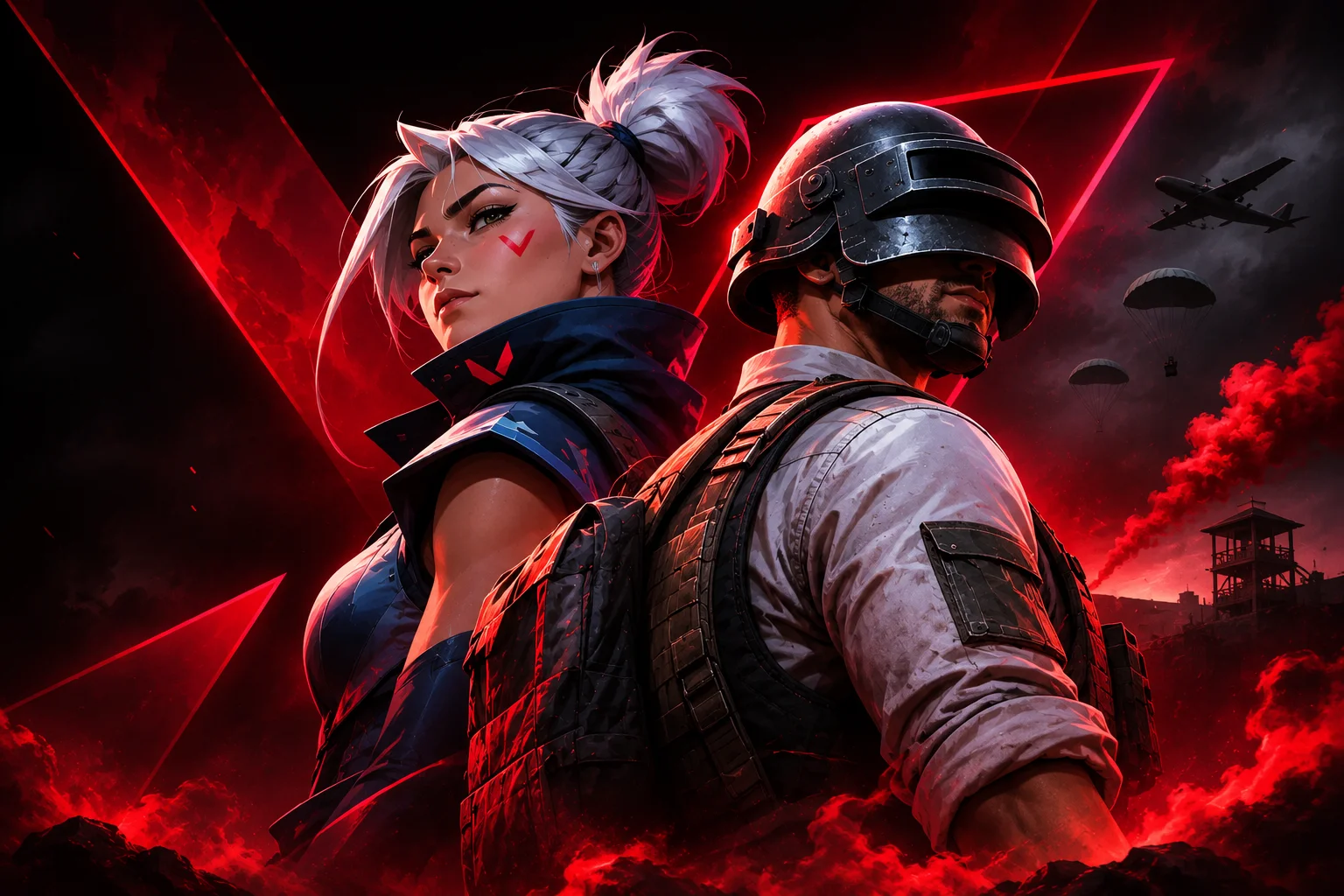
Two worlds. One place to find the account that fits your playstyle.
Find your account, choose your rental, and follow our login guide.
Browse Valorant and BGMI listings. Check the account details, rank, and available options.
Choose a rental duration for your account. Sign in securely when you're ready to place your order.
After payment, follow the instructions for your selected game. Our team will help you complete the login process.
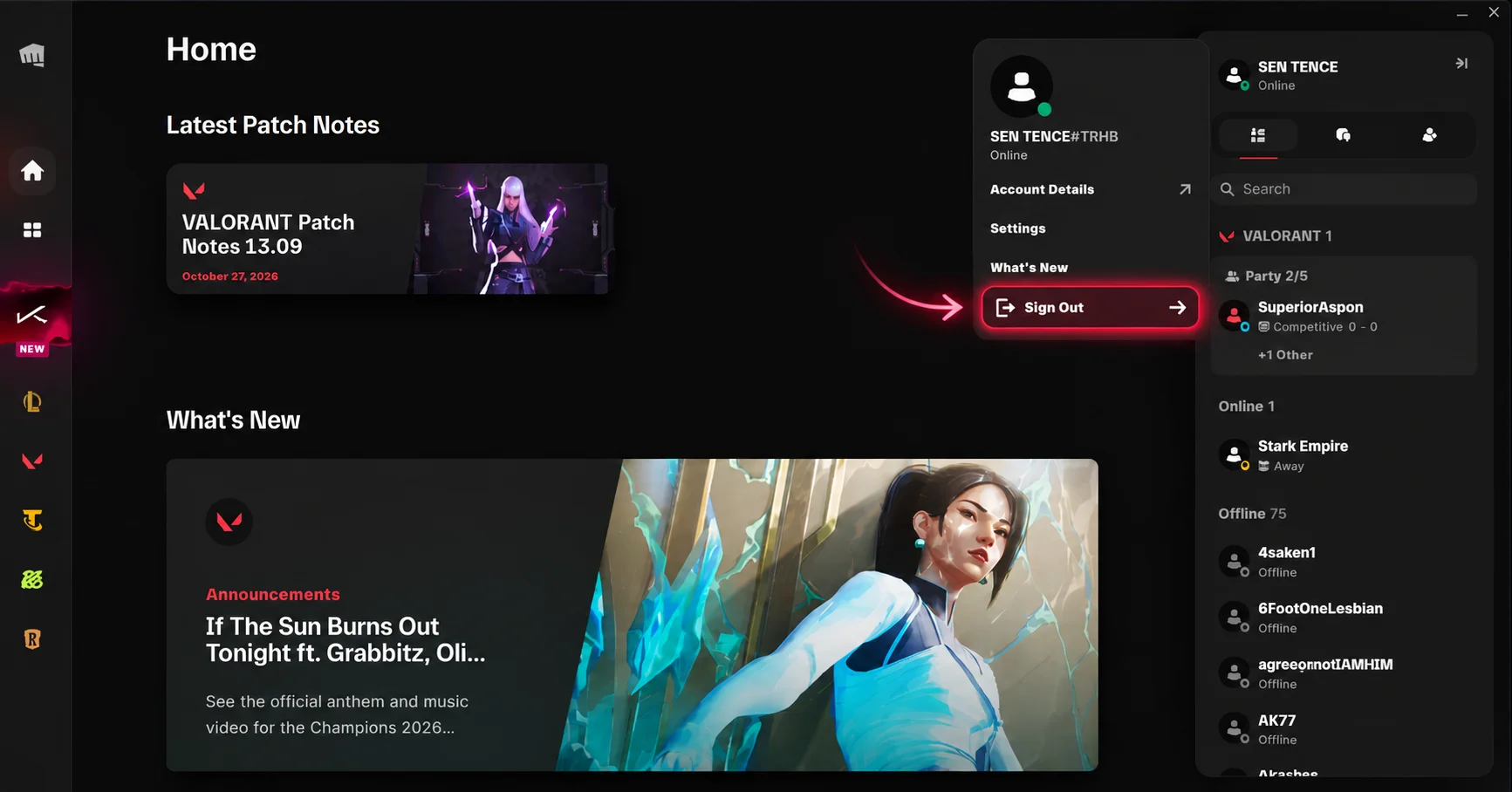
Open Riot Client on your PC. Click your profile icon in the top-right corner and select Sign Out.
Keep Riot Client open after submitting your QR. If it expires, upload a fresh code through your DACRON order.
“First time renting a valo account. The QR login was pretty simple and the skins were exactly what I wanted.”
“Tried the 2 hour rental. Login took a little time but everything worked fine after that.”
“Good collection of skins for the price. Will probably rent again for the weekend.”
“The Discord login guide helped a lot. Didn't know how it worked before.”
“Rented for 3 hours with my friends. Smooth experience overall.”
“Account details were clear and I knew what I was getting before paying.”